CTIA v2 Courseware 2026: Free Study Plan, Resources & Exam Guide
What is CTIA v2 and Why Should You Care? 🎯
Here’s the thing: the cybersecurity landscape has evolved dramatically over the past few years. I’ve watched countless professionals scramble to upskill as threats become more sophisticated, and honestly? The Certified Threat Analyst Version 2 (CTIA v2) certification has emerged as one of the most relevant credentials you can earn in 2026.
Let me break this down for you. The CTIA v2 certification, offered by EC-Council, validates your ability to identify, analyze, and respond to cybersecurity threats using advanced threat intelligence methodologies. It’s not just another checkbox on your resume—it’s a comprehensive framework that teaches you how to think like both an attacker and a defender.
What makes version 2 special? The updated courseware reflects current threat landscapes, including AI-driven attacks, ransomware-as-a-service, and supply chain vulnerabilities. You’ll learn to leverage cutting-edge tools and techniques that organizations desperately need right now. According to the U.S. Bureau of Labor Statistics, information security analyst positions are projected to grow 32% from 2022 to 2032—much faster than average.
The certification covers five critical domains:
- Threat intelligence fundamentals and lifecycle
- Cyber threat landscape and attack vectors
- Threat data collection and analysis techniques
- Threat modeling and assessment
- Threat intelligence reporting and dissemination
Ready to transform your cybersecurity career? Let’s dive deeper.
My Journey with Threat Analysis Certifications 💭
Last year, I found myself at a crossroads. Working as a junior security analyst, I realized that understanding threats reactively wasn’t enough anymore. I needed to anticipate them, contextualize them, and communicate their implications to stakeholders who didn’t speak “security.”
That’s when I discovered CTIA v2. Initially, I was skeptical—another certification to add to the pile? But after researching the curriculum and speaking with certified professionals, I understood this was different. The focus on actionable threat intelligence rather than theoretical knowledge resonated with me.
I won’t sugarcoat it: the journey required dedication. Between my full-time job and personal commitments, carving out 15-20 hours weekly for study felt overwhelming at first. But the material was so immediately applicable to my daily work that studying became less of a chore and more of an investment that paid dividends almost immediately.
Three months later, when I passed the exam, my perspective on cybersecurity had fundamentally shifted. I wasn’t just identifying threats—I was predicting them, prioritizing them, and articulating their business impact in ways that got attention from leadership.
Understanding the CTIA v2 Exam Structure 📋
Planning your preparation? Here’s what you’ll face on exam day.
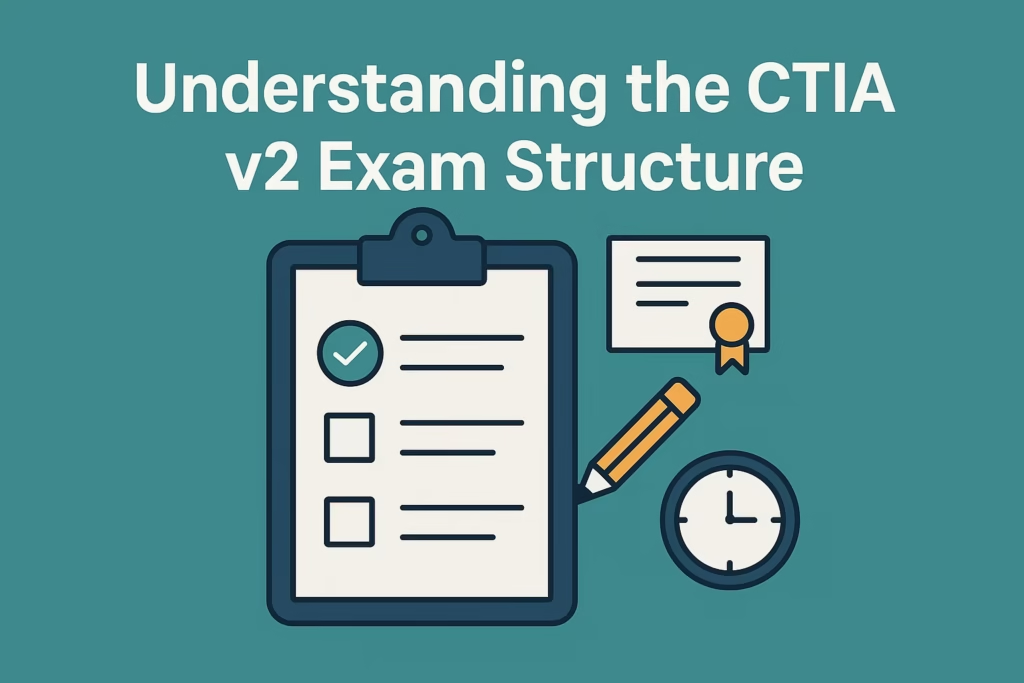
The CTIA v2 exam consists of 50 multiple-choice questions that you’ll need to complete within 2.5 hours. The passing score is 70%, which means you’ll need to answer at least 70 questions correctly. Sounds straightforward, right?
Not so fast. These aren’t simple recall questions. The exam tests your ability to apply threat intelligence concepts in realistic scenarios. You’ll encounter questions that present complex situations requiring you to analyze data, make decisions, and recommend actions based on threat intelligence frameworks.
The question distribution aligns with the five domains I mentioned earlier, but EC-Council doesn’t publish exact percentages. From my experience and discussions with other certified professionals, expect roughly 30-40% of questions focused on threat data collection and analysis, as this represents the core practical skills.
What caught me off guard initially? The scenario-based questions require careful reading. They’ll present logs, indicators of compromise, or threat actor profiles, then ask you to identify the most appropriate response or classification. Time management becomes crucial—you’ve got roughly 1.5 minutes per question, but some scenarios demand more analytical thinking than others.
The exam is available in both online proctored and physical testing center formats. I chose the online option for convenience, though some prefer the controlled environment of a testing center to minimize distractions.

Free Study Resources That Actually Work 🔓
Let’s address the elephant in the room: official EC-Council training materials can be expensive. While they’re comprehensive, not everyone has $2,500+ to invest upfront. I’ve discovered that with strategic use of free resources, you can build a solid foundation before deciding whether to purchase official courseware.
1. EC-Council’s Free Resources Start with EC-Council’s official website, which offers free webinars and sample materials. They occasionally release overview documents and exam blueprints that outline exactly what you need to know. Sign up for their newsletter—they announce free training opportunities regularly.
2. NIST Cybersecurity Framework The National Institute of Standards and Technology (NIST) provides extensive free documentation on threat intelligence and risk management frameworks. Their publications, particularly Special Publication 800-150 on “Guide to Cyber Threat Information Sharing,” align beautifully with CTIA v2 concepts.
3. MITRE ATT&CK Framework This one’s a game-changer. The MITRE ATT&CK knowledge base is completely free and serves as the industry standard for understanding adversary tactics and techniques. Spend significant time here—I’d estimate 40% of the exam directly or indirectly references concepts you’ll find in ATT&CK.
4. Open-Source Intelligence (OSINT) Tools Get hands-on with free tools like:
- Maltego Community Edition for data visualization
- TheHive Project for case management
- MISP (Malware Information Sharing Platform)
- AlienVault OTX for threat intelligence feeds
These platforms teach you practical threat analysis without spending a dime.
5. YouTube and Cybersecurity Blogs Channels like John Hammond, NetworkChuck, and David Bombal offer free content on threat analysis concepts. For written content, blogs from Recorded Future, CrowdStrike, and Mandiant provide real-world threat intelligence examples that contextualize your learning.
6. Reddit and Study Groups The r/cybersecurity and r/AskNetsec communities have active discussions about CTIA preparation. I found a study group through Discord that met virtually twice weekly—having accountability partners made a huge difference in staying motivated.
7. Practice Exams and Flashcards Websites like Quizlet often have user-generated CTIA flashcard sets. While not official, they help reinforce terminology and concepts. Just verify information against authoritative sources.
Here’s my honest take: these free resources can get you 70-80% prepared. For the remaining 20-30%, consider investing in official materials or practice exams if your budget allows. The official courseware provides structured learning paths and practice environments that significantly reduce preparation time.
Creating Your Personalized Study Plan 📅
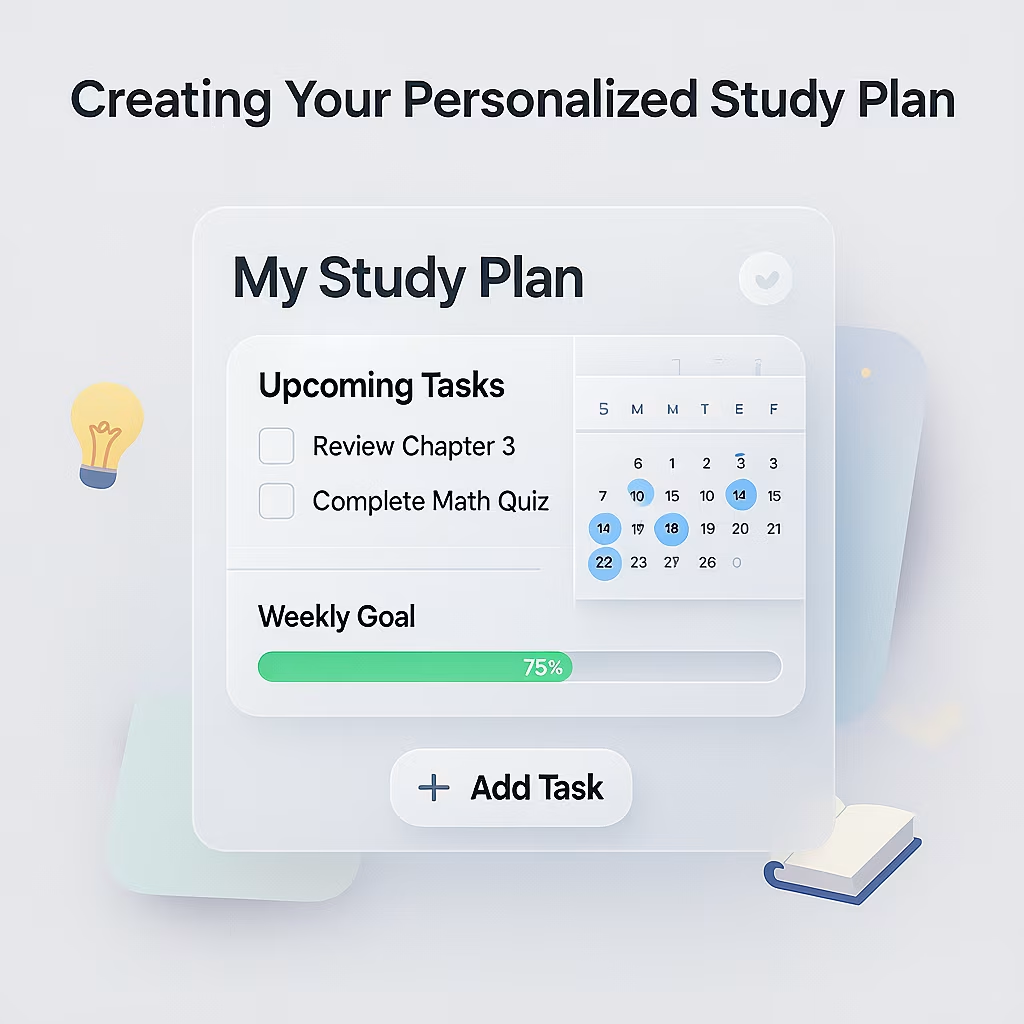
One-size-fits-all study plans rarely work. Your background, available time, and learning style all influence how you should approach preparation. Let me walk you through creating a plan tailored to your situation.
Step 1: Assess Your Current Knowledge Take an honest inventory. If you’re already working in security operations, you’ll have practical experience with threat data. If you’re transitioning from another IT field, you’ll need more foundational work. I created a simple spreadsheet rating my confidence (1-5) in each exam domain, which revealed my weak spots immediately.
Step 2: Determine Your Timeline Most candidates need 8-12 weeks of consistent study. I chose a 12-week timeline because I was working full-time. If you can dedicate more hours weekly, you might compress this to 6-8 weeks. Be realistic—cramming rarely works for application-based exams.
Step 3: Design Your Weekly Structure Here’s the framework I used:
Weeks 1-3: Foundation Building
- Hours per week: 12-15
- Focus: Threat intelligence fundamentals, terminology, frameworks
- Activities: Read NIST SP 800-150, explore MITRE ATT&CK, watch introductory videos
- Goal: Understand the threat intelligence lifecycle and basic concepts
Weeks 4-6: Technical Deep Dive
- Hours per week: 15-18
- Focus: Threat data collection methods, analysis techniques, tools
- Activities: Hands-on labs with OSINT tools, practice analyzing IOCs, study malware families
- Goal: Develop practical skills in gathering and analyzing threat data
Weeks 7-9: Advanced Concepts
- Hours per week: 15-18
- Focus: Threat modeling, risk assessment, intelligence reporting
- Activities: Create sample threat intelligence reports, study real-world case studies
- Goal: Connect technical findings to business impact
Weeks 10-11: Practice and Review
- Hours per week: 18-20
- Focus: Practice exams, weak area remediation
- Activities: Take timed practice tests, review incorrect answers, create summary notes
- Goal: Identify gaps and build test-taking confidence
Week 12: Final Preparation
- Hours per week: 10-12
- Focus: Light review, rest, mental preparation
- Activities: Quick reviews of summary notes, relaxation, logistics check
- Goal: Show up refreshed and confident
Step 4: Build in Flexibility Life happens. I scheduled my “intensive study” sessions on weekends and lighter review sessions on weekdays. If I missed a session, I had buffer time built in rather than falling behind irreversibly.
Step 5: Track Your Progress I used Notion to track completed topics, practice exam scores, and confidence levels. Seeing progress visualized kept me motivated during tough weeks.
The key insight? Consistency beats intensity. Studying 90 minutes daily proves more effective than cramming 10 hours every Saturday. Your brain needs time to consolidate information, especially for application-based material.
Hands-On Labs and Practical Experience 🛠️
Here’s something nobody tells you upfront: you can memorize every framework and definition, but without practical experience, you’ll struggle with scenario-based questions.
I learned this the hard way during my first practice exam. Despite confidently answering conceptual questions, I stumbled when presented with actual threat data requiring analysis. The solution? Hands-on practice became non-negotiable.
Setting Up Your Home Lab You don’t need expensive infrastructure. I used:
- A laptop running Windows 10
- VirtualBox (free) hosting Ubuntu and Windows Server VMs
- 16GB RAM (adequate, though 32GB is more comfortable)
- Basic network setup
This environment let me practice threat hunting, analyze logs, and test detection rules without risking production systems or spending money on cloud resources.
Essential Practical Exercises
1. Threat Hunting Scenarios Create realistic scenarios where you search for indicators of compromise across systems. For example, I’d intentionally introduce suspicious PowerShell commands into logs, then practice identifying and contextualizing them using threat intelligence feeds.
2. Malware Analysis Basics You’re not expected to become a reverse engineer, but understanding basic static and dynamic malware analysis helps. I used VirusTotal, Hybrid Analysis, and ANY.RUN (which offers free submissions) to study malware behavior and learn how to extract actionable intelligence.
3. OSINT Gathering Practice collecting intelligence about threat actors, campaigns, or vulnerabilities using only publicly available information. I’d pick a recent CVE and gather everything I could find—affected versions, exploitation techniques, mitigation strategies, threat actors exploiting it.
4. IOC Analysis Download sample IOC feeds (AlienVault OTX provides these free) and practice categorizing, prioritizing, and determining their relevance to hypothetical environments. Can you distinguish between high-confidence, actionable indicators and low-value noise?
5. Report Writing This skill is underrated but crucial. I practiced writing intelligence reports that translated technical findings into executive-friendly language. The exam includes questions about appropriate reporting formats and audiences.
Recommended Lab Platforms
- TryHackMe: Their threat intelligence and defensive security paths are excellent
- HackTheBox: While offensive-focused, understanding attacks improves your defensive analysis
- RangeForce: Offers some free defensive security exercises
- Immersive Labs: Limited free tier with relevant exercises
I dedicated at least 30% of my study time to hands-on practice. This wasn’t just exam preparation—these are skills you’ll use immediately in real-world roles.
Exam Registration and What to Expect 🎓
Navigating the registration process can feel bureaucratic, but I’ll streamline it for you.
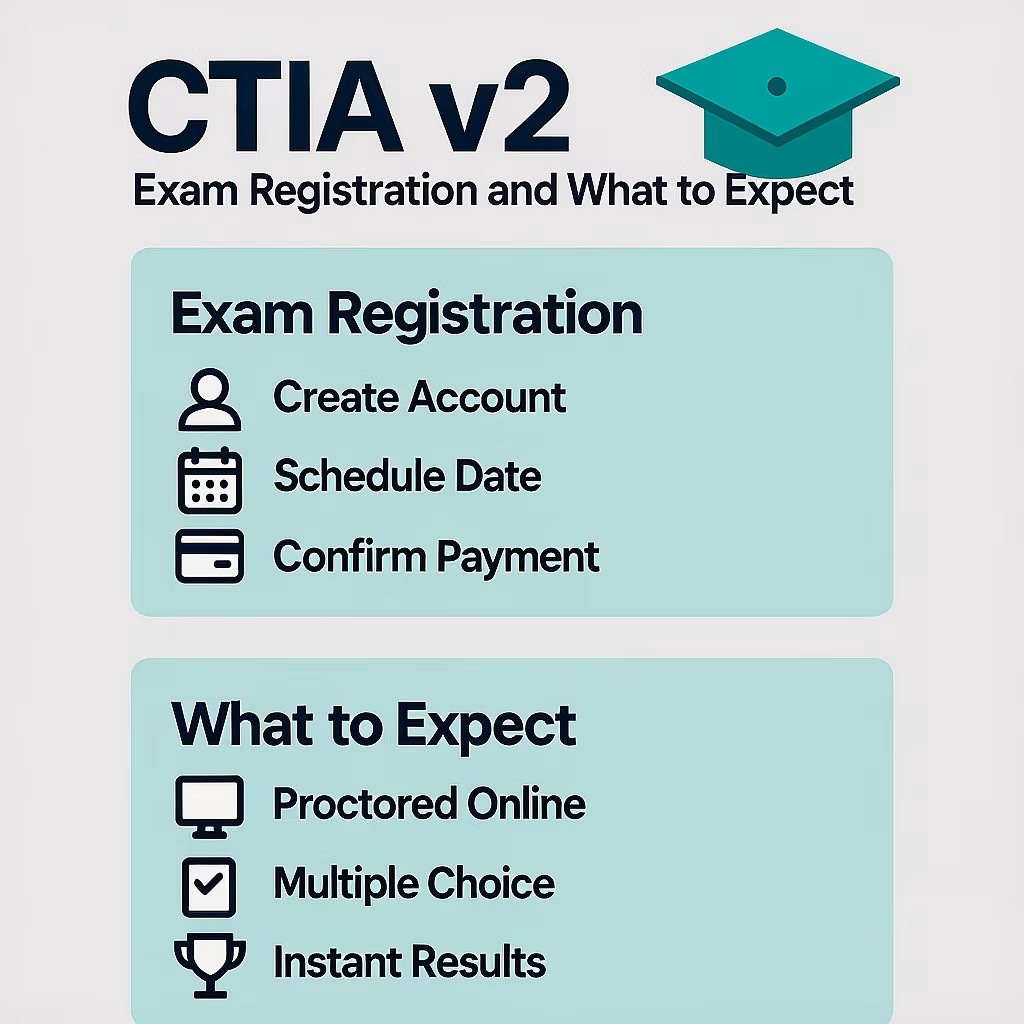
Registration Steps
- Create an EC-Council Account: Visit the EC-Council website and establish your candidate profile. This becomes your central hub for tracking certifications.
- Purchase an Exam Voucher: As of 2026, the CTIA v2 exam costs approximately $450 USD. Watch for promotional periods—I saved $50 by registering during a Black Friday sale. Some employers reimburse certification costs, so check your benefits.
- Schedule Your Exam: EC-Council partners with Pearson VUE for exam delivery. You’ll receive a voucher code that you’ll use on the Pearson VUE website to schedule. Both online proctored and testing center options are available.
- Select Your Date and Time: Book at least 2-3 weeks out to allow final preparation time. I scheduled mine for 10 AM on a Saturday—early enough to be sharp but not so early that I felt rushed.
Online Proctored Exam Requirements
If you choose online testing (which I did), you’ll need:
- Reliable internet connection (minimum 2 Mbps up/down)
- Webcam and microphone
- Private, quiet room for the duration
- Government-issued ID
- Clean workspace (literally—proctors will ask you to show your desk)
The Check-In Process
Arrive 30 minutes early for the check-in process. You’ll:
- Launch the proctoring software (test this beforehand!)
- Take photos of your ID and workspace
- Wait for a live proctor to join
- Follow instructions for room scans (showing all angles, under your desk, etc.)
This process took me about 15 minutes. Some candidates report longer waits during peak testing times.
During the Exam
The interface is straightforward. You’ll see one question at a time with navigation buttons. Key features:
- Mark for Review: Flag questions you’re uncertain about
- Calculator: Basic calculator available (though rarely needed)
- Exam Timer: Always visible, counts down from 150 minutes
Can you go back and change answers? Yes! Unlike some certification exams, CTIA v2 lets you navigate freely between questions before final submission.
Test-Day Tips
Looking back, these strategies saved me:
- Read every question twice: I caught subtle wording that changed answers on at least 10 questions
- Eliminate obvious wrong answers first: Narrow to two options, then carefully choose
- Manage your time: At the 75-minute mark, I’d completed 60 questions—exactly on pace
- Don’t second-guess excessively: I changed two answers during review; one became incorrect
- Stay calm with difficult questions: Mark them and move forward rather than spiraling
After Submission
Here’s the intense part: you’ll receive a provisional pass/fail result immediately. The official certification takes 5-7 business days to process and appear in your EC-Council portal. I literally jumped out of my chair when “PASS” appeared on screen—all those hours validated in one moment.
Common Pitfalls and How to Avoid Them ⚠️
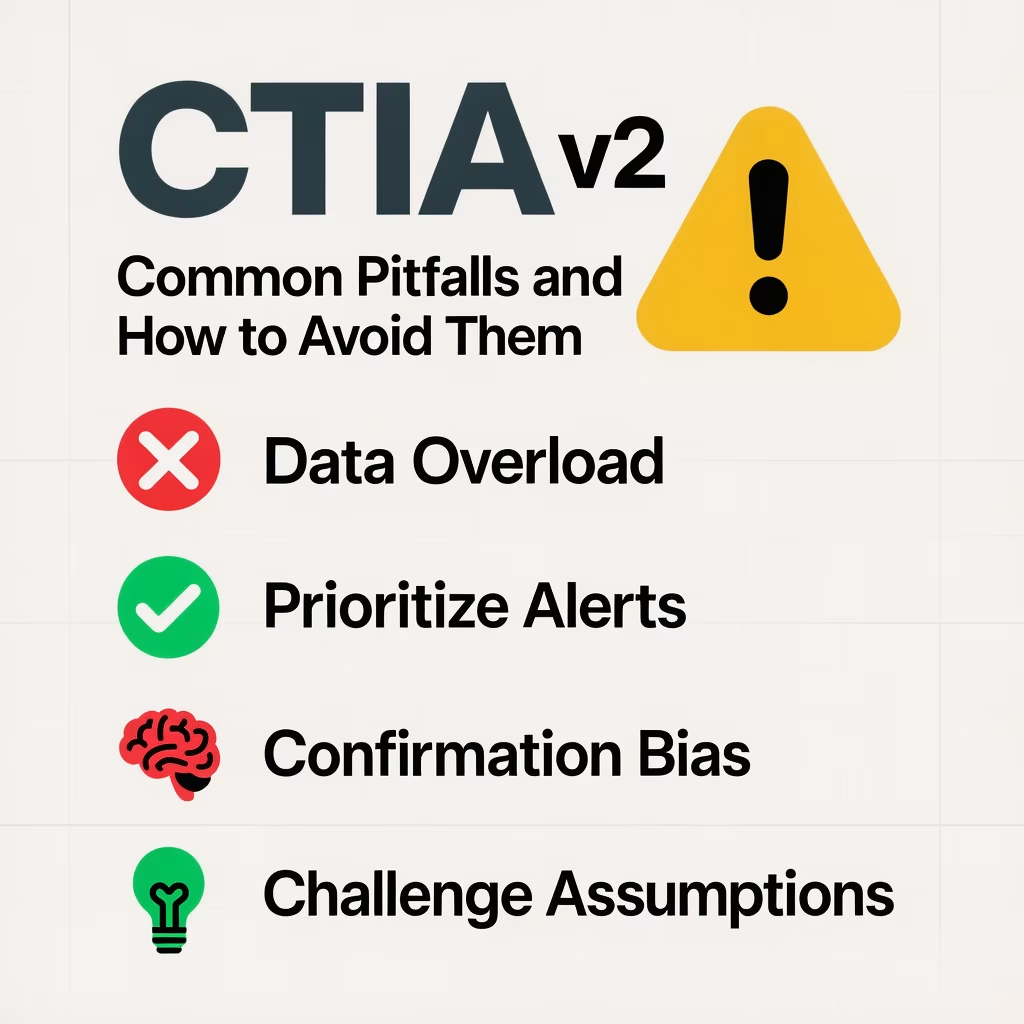
Let me share the mistakes I made—and witnessed others make—so you can sidestep them entirely.
Pitfall #1: Treating It Like a Memorization Exam
This isn’t a vocabulary test. You can’t simply memorize definitions and expect to pass. The exam presents scenarios requiring you to apply concepts, analyze situations, and make decisions.
Solution: Always ask “why” and “how” while studying. When learning about threat actors, don’t just memorize names—understand their motivations, typical techniques, and target profiles.
Pitfall #2: Neglecting Hands-On Practice
I’ve talked to candidates who read all the material but never touched tools or analyzed actual data. They struggled with practical application questions.
Solution: Allocate at least 30-40% of study time to labs and practical exercises. Theory and practice must go hand-in-hand.
Pitfall #3: Ignoring the MITRE ATT&CK Framework
Some candidates view ATT&CK as supplementary. Wrong. It’s foundational to modern threat intelligence and heavily referenced throughout the exam.
Solution: Spend significant time understanding tactics, techniques, and procedures (TTPs) within ATT&CK. Practice mapping real-world attacks to the framework.
Pitfall #4: Poor Time Management
Spending 5 minutes on difficult questions early in the exam creates time pressure later. I watched my practice test scores improve dramatically once I implemented better time discipline.
Solution: Implement the “2-minute rule”—if you haven’t narrowed to an answer in 2 minutes, mark it and move on. You’ll return with fresh perspective.
Pitfall #5: Overlooking Soft Skills Content
The exam includes questions about reporting, stakeholder communication, and translating technical findings into business language. These “soft” topics confuse technical candidates.
Solution: Study intelligence report formats, understand different audience needs (executive vs. technical), and practice explaining technical concepts simply.
Pitfall #6: Cramming Before Exam Day
Your brain needs rest to perform optimally. I studied heavily until 48 hours before the exam, then drastically reduced intensity.
Solution: The final two days should involve light review only. Focus on rest, stress management, and maintaining normal routines.
Pitfall #7: Not Using All Available Resources
Some candidates rely solely on one study guide or course. This creates knowledge gaps because no single resource covers everything perfectly.
Solution: Cross-reference multiple sources. If three different resources explain a concept differently, you’ll understand it more deeply than if you’d only seen one perspective.
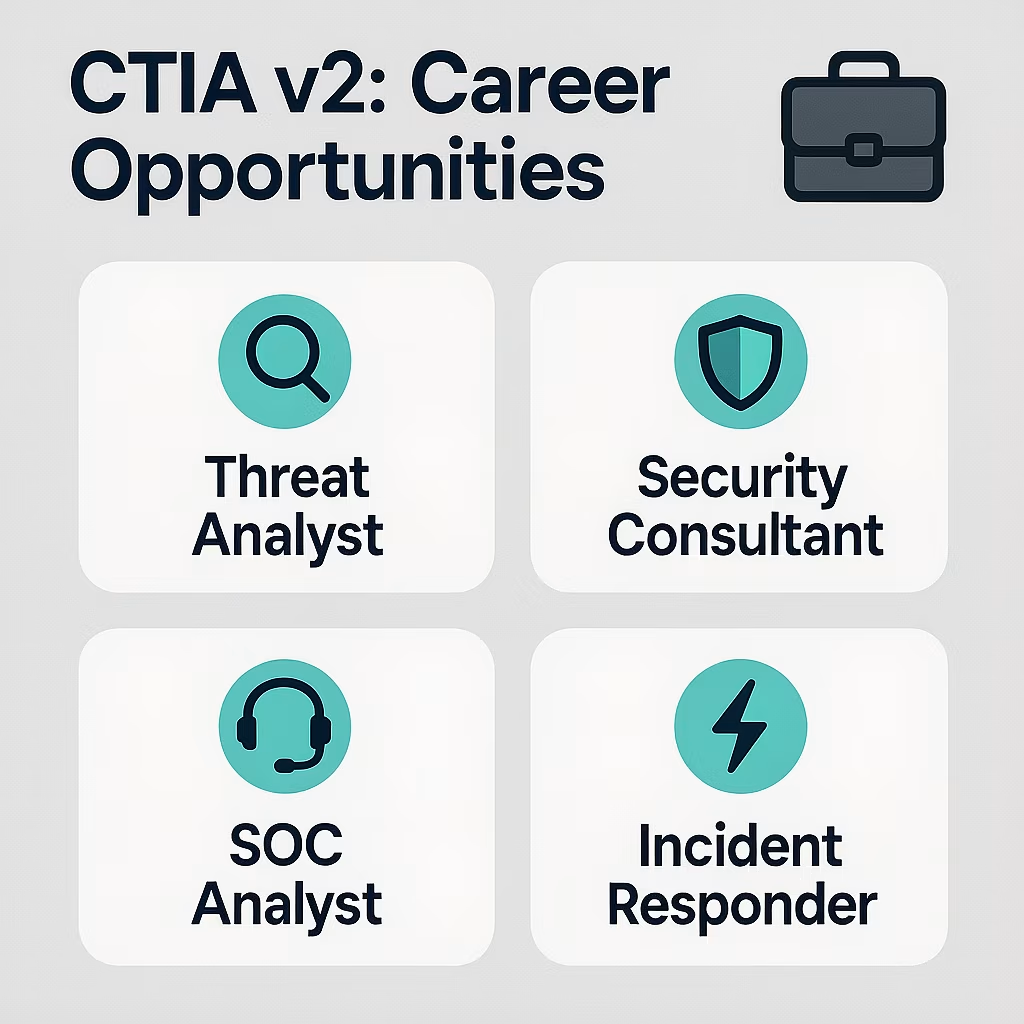
After Certification: Career Opportunities 💼
Passing the exam is tremendous, but what does CTIA v2 actually do for your career? Let me share both my experience and broader industry insights.
Immediate Career Benefits
Within three weeks of certification, I received LinkedIn messages from recruiters specifically mentioning CTIA v2. The certification signals to employers that you possess structured, vendor-neutral threat intelligence skills—increasingly valuable as organizations build dedicated threat intelligence programs.
Roles where CTIA v2 provides significant advantage:
- Threat Intelligence Analyst
- Security Operations Center (SOC) Analyst (Tier 2 or 3)
- Incident Response Analyst
- Cyber Threat Hunter
- Security Consultant specializing in threat intelligence
- Malware Analyst
- Vulnerability Management Specialist
Salary Implications
While certification alone doesn’t guarantee salary increases, it strengthens your negotiating position. According to various salary surveys, certified threat intelligence professionals earn 10-15% more than non-certified peers with similar experience.
Entry-level threat intelligence analysts typically earn $65,000-$85,000 annually. With 3-5 years experience and certifications like CTIA v2, this rises to $90,000-$120,000. Senior positions in major metropolitan areas or financial services can exceed $150,000.
For me personally? I negotiated a $12,000 raise during my annual review, explicitly citing my new capabilities and the organization’s need for improved threat intelligence processes.
Complementary Certifications
CTIA v2 fits beautifully into a certification roadmap:
- Foundation: CompTIA Security+, CEH (Certified Ethical Hacker)
- Intermediate: CTIA v2, GCTI (GIAC Cyber Threat Intelligence)
- Advanced: GCIH (GIAC Certified Incident Handler), OSCP (Offensive Security Certified Professional)
The certifications reinforce each other. CEH teaches you to think like an attacker, CTIA v2 teaches you to analyze and contextualize those attacks, and GCIH prepares you to respond effectively.
Building Your Brand
Certification opens doors, but you must walk through them. I became more active in the cybersecurity community by:
- Writing about threat intelligence topics on Medium and LinkedIn
- Participating in Twitter discussions about emerging threats
- Contributing to open-source threat intelligence projects
- Speaking at local cybersecurity meetups
These activities, combined with certification, positioned me as a credible voice in threat intelligence conversations.
Real-World Application
The true value emerged in daily work. I started:
- Leading threat briefings for our incident response team
- Developing intelligence requirements for our security program
- Creating threat actor profiles that informed our defensive priorities
- Collaborating more effectively with external threat intelligence providers
My confidence in these areas grew exponentially post-certification because I had a structured framework for approaching threat intelligence challenges.
<a name=”final-thoughts”></a>
Final Thoughts and Your Next Steps 🚀
We’ve covered a lot of ground together. From understanding what CTIA v2 offers to building study plans, finding free resources, and preparing for exam day—you now have a comprehensive roadmap.
Here’s what I want you to remember: this certification represents more than checking a box on your resume. It’s about developing a mindset, a systematic approach to understanding and communicating threats that makes you invaluable to any security organization.
The cybersecurity field desperately needs professionals who can bridge the gap between technical threat data and strategic decision-making. CTIA v2 equips you with exactly those capabilities.
Your Action Plan Starting Today
- This Week: Assess your current knowledge and determine your realistic study timeline
- Within Two Weeks: Gather free resources (NIST, MITRE ATT&CK, OSINT tools) and set up a basic lab environment
- Within One Month: Complete the foundation building phase and schedule your exam date
- Stay Consistent: Dedicate specific time blocks for study and make it non-negotiable
Final Encouragement
During my most challenging study week—juggling work deadlines, personal commitments, and exam preparation—I questioned whether I could actually pull this off. But here’s the truth: thousands of professionals have successfully earned this certification while managing similar constraints. The difference between those who succeed and those who don’t often comes down to persistence rather than innate ability.
You’ve taken the first step by reading this comprehensive guide. That initiative alone suggests you have what it takes.
The threat landscape will continue evolving, but the foundational skills CTIA v2 teaches—critical thinking about threats, systematic analysis, effective communication—remain perpetually valuable. You’re not just preparing for an exam; you’re investing in capabilities that will serve your entire career.
I’m genuinely excited for you. The moment you see “PASS” on that screen, you’ll understand exactly why I dedicated months to this pursuit. It’s not just professional validation—it’s the confidence that you can tackle complex security challenges with competence and clarity.
Now? It’s your turn. Close this tab, pull up your calendar, and schedule your first study session. Your future in threat intelligence starts right now.
Good luck, stay curious, and welcome to the world of structured threat intelligence. You’ve got this! 🔐
About maintaining your certification: CTIA v2 requires 120 continuing education credits over three years. But that’s a conversation for after you’ve conquered the exam. One milestone at a time.